Security
You turned off write access. It wrote anyway.
You denied the write tool, denied edit, denied apply_patch - and the files changed anyway. That is not a bug and not a jailbreak.
You told your agent it could not modify files. You set the deny list by hand. Write, off. Edit, off. Apply patch, off. Then you came back, and files had changed.
Nothing malfunctioned. This is documented behaviour.
Nothing malfunctioned. No jailbreak, no exploit, no clever prompt. The runtime's own documentation describes this outcome in a single sentence, on the page belonging to the tool that did it.
Why it matters
Here is the sentence, verbatim: "Disabling OpenClaw filesystem tools such as write, edit, or apply_patch does not make exec read-only."
Disabling write, edit, or apply_patch does not make exec read-only.
That is the whole video, and the reason it matters goes well past one project. Self-hosting an agent feels like the safe choice. It is your machine, your disk, no vendor holding your data. That intuition is precisely backwards about the thing that actually bites you.
On your machine it inherits your credentials.
Because on your machine, the agent runs as you. It inherits your shell, your SSH keys, your cloud credentials, your logged-in sessions. The vendor's hosted agent is sandboxed by someone whose job is sandboxing. Yours is sandboxed by whatever you remembered to configure.
By the end of this you will be able to read any agent runtime's configuration and say what it can actually reach - a different question from what it has been allowed to do. The gap between those two questions is where every incident lives.
The mechanism
Layer one. The documentation calls exec "a mutating shell surface" - commands can create, edit, or delete files wherever the selected filesystem permits. That is not a tool that writes files. That is a shell. And a shell does not need the write tool, because a shell has redirection, and sed, and Python.
write was never called. It did not need to be.
So the deny list worked exactly as written. The write tool was never invoked. It simply was not required. Denying a tool removes one path to an effect, not the effect.
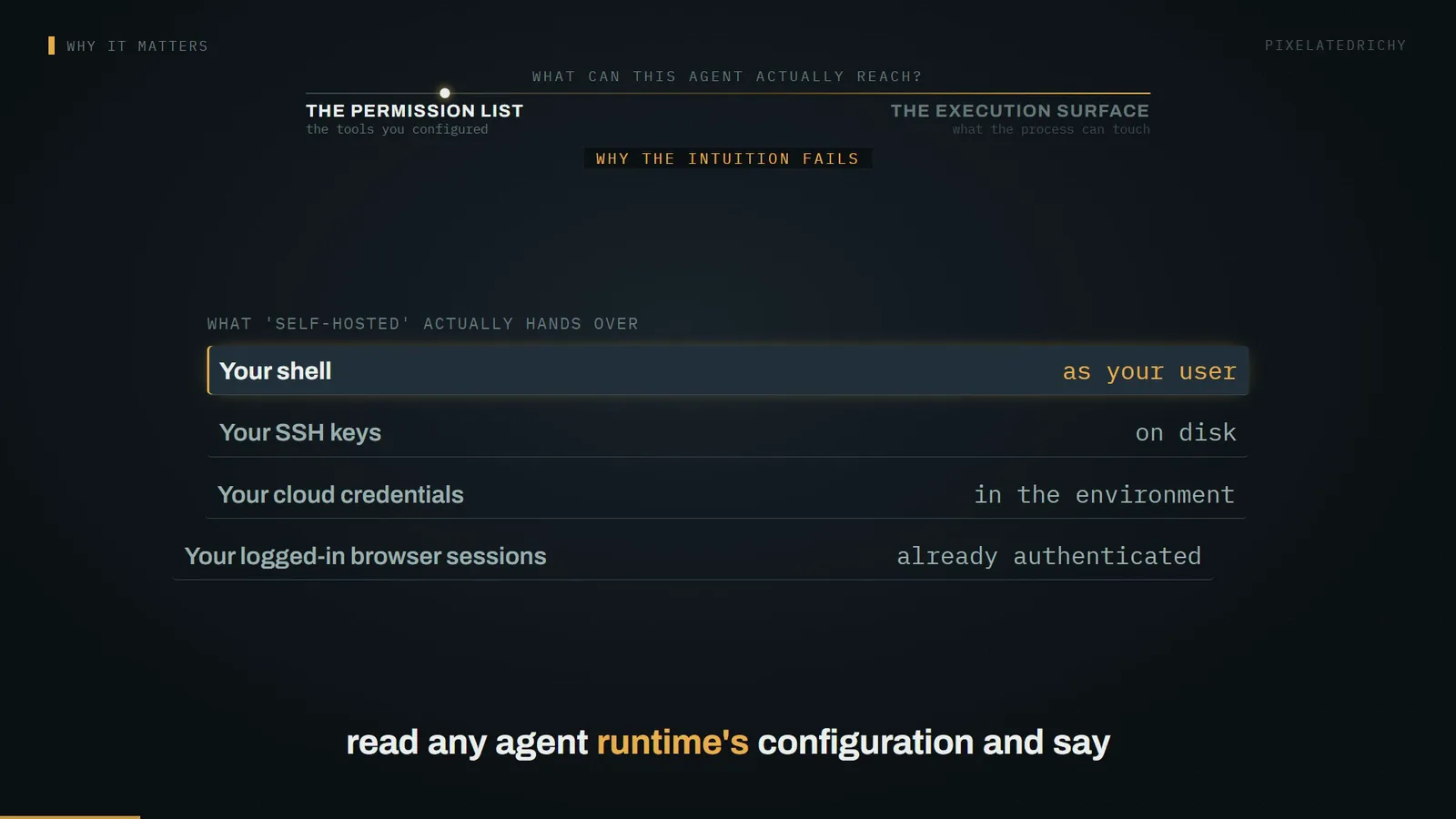
And it runs for a while. The default per-command timeout is eighteen hundred seconds - thirty minutes. You can set it to zero, which disables the timeout altogether.
Layer two: where that shell runs. There are three targets. The gateway, meaning the host machine directly. A sandbox container. Or a paired remote node. Auto-resolution picks the sandbox when a sandbox runtime is active, and the gateway otherwise.
Read that last clause again, because it contains the default. And the default is the part worth stating plainly.
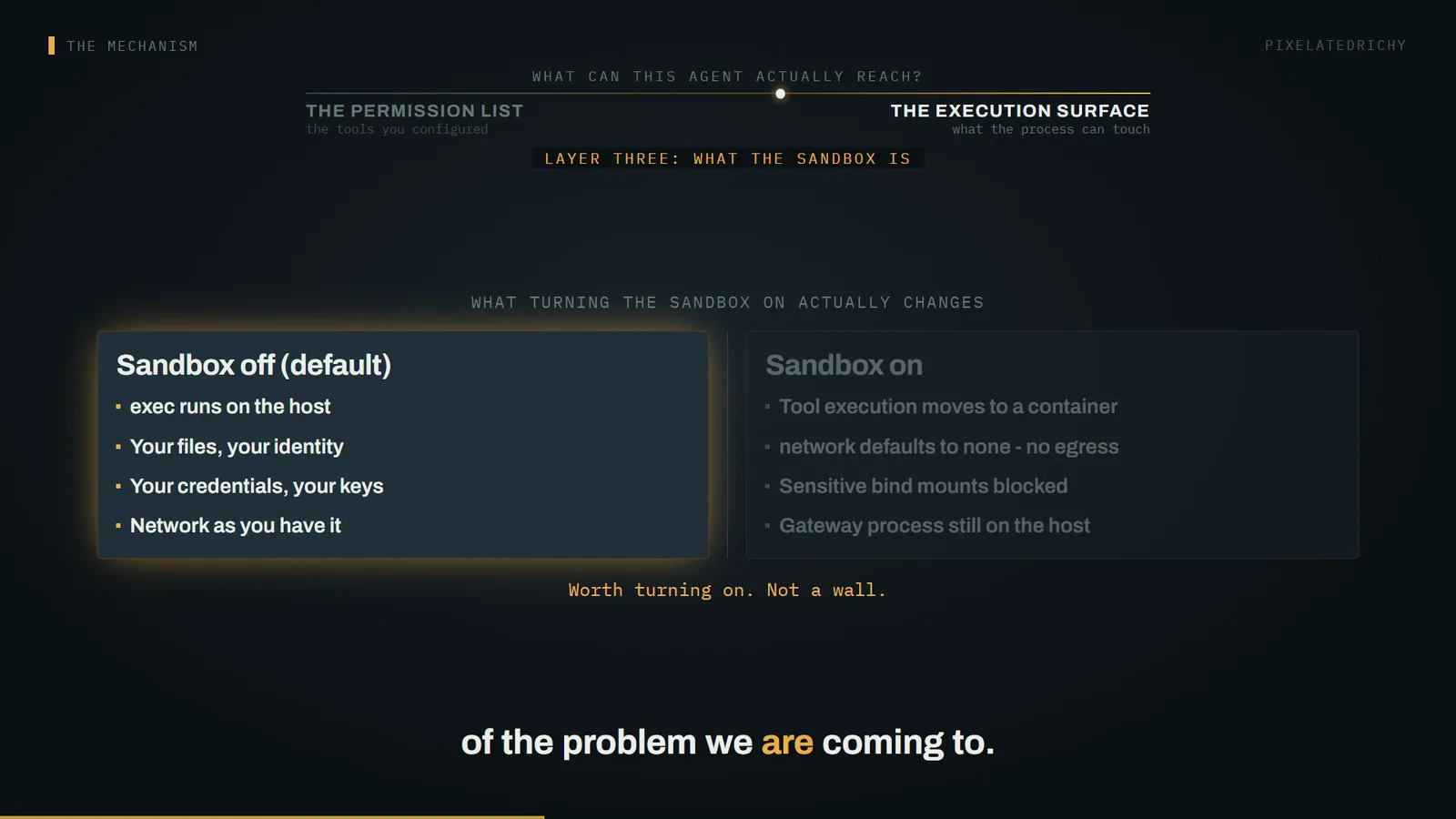
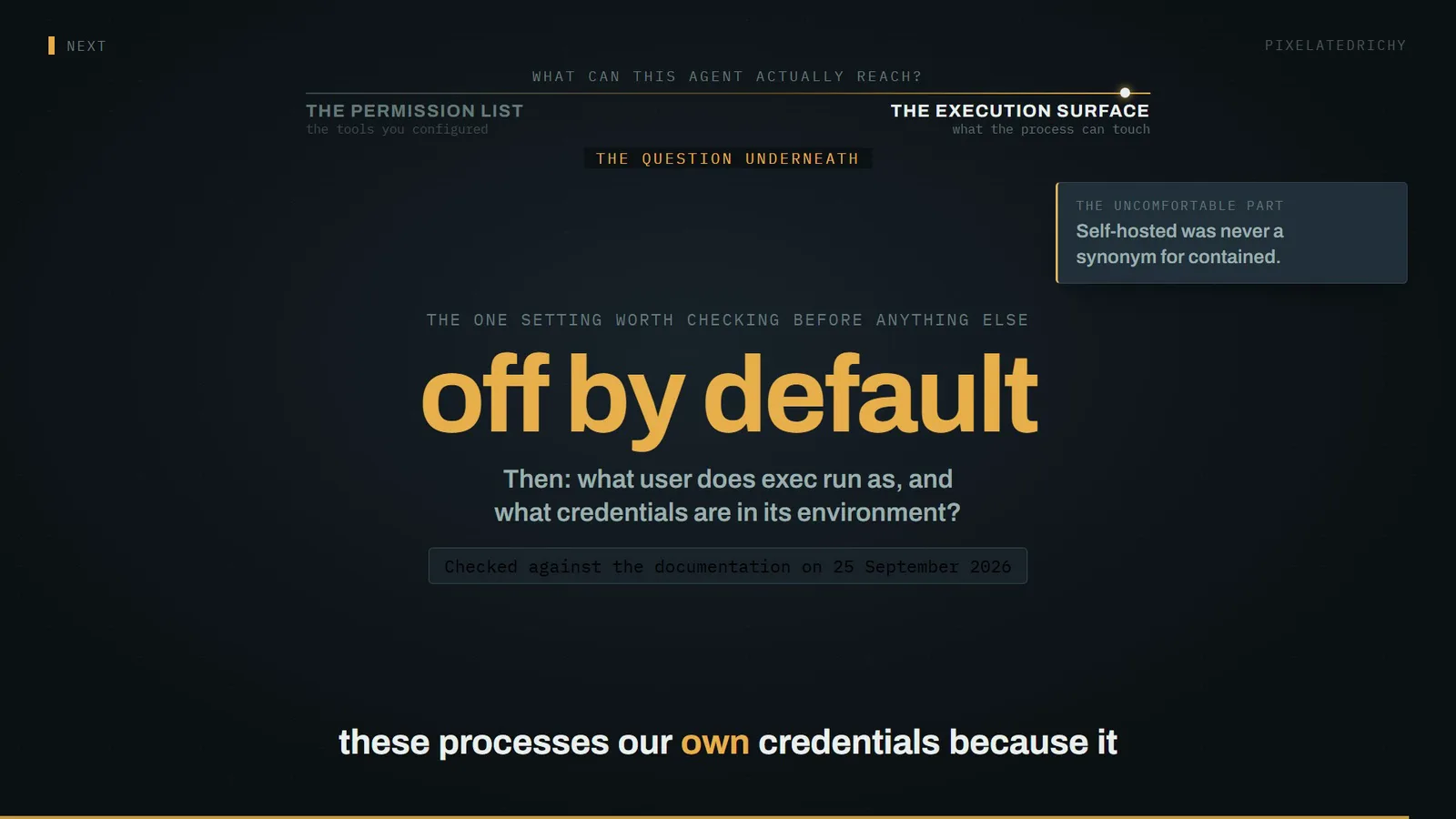
Important: sandboxing is off by default.
That is quoted from the documentation, including the word "important". Out of the box, the shell runs on your host. Not in a container. The sandbox is a feature you switch on, not a floor you start from.
To be fair to the authors, the surrounding behaviour is careful: if sandboxing is off, an implicit auto resolves to the gateway, and asking explicitly for a sandbox fails closed rather than quietly running on the host. The default is documented, not hidden. It is just not the default most people assume they have.
When you do switch it on, it is better than you might expect. The Docker backend defaults the container's network to none - no outbound connectivity at all - and blocks sensitive bind mounts. That is a genuinely good default, and it removes one leg of the problem we are coming to.
The Gateway process always stays on the host.
But be precise about what moves. The documentation: "The Gateway process always stays on the host; only tool execution moves into the sandbox when enabled." The orchestrator - the thing holding your configuration and your secrets - does not go into the box. Only the commands do.
'This is not a perfect security boundary.'
And the authors are refreshingly honest about the rest. Their words: "This is not a perfect security boundary, but it materially limits filesystem and process access when the model does something dumb." I would keep both halves of that sentence. It limits damage. It is not a wall.
tools.elevated runs exec outside the sandbox, by design.
There is also a door left in on purpose. A setting called elevated is, quote, "an explicit escape hatch that runs exec outside the sandbox." Some commands genuinely need the host. So the boundary has a documented bypass, which is fine - as long as you know it is there when you audit the config.
Layer four is the one that breaks the tidy story, and it is why I do not want to leave you with "just turn the sandbox on" as the lesson. The configuration layer is itself attack surface.
A real advisory, scored 7.7, high severity. The summary: a configuration injection issue in the Docker tool sandbox could allow dangerous Docker options - bind mounts, host networking, unconfined profiles - to be applied, enabling container escape or host data access.
The escape came through the sandbox's own settings.
Look at the mechanism. The escape route was the sandbox's own settings. Someone who could influence configuration could mount host paths, or set host networking, and step straight out of the container that was supposed to be containing things. It is patched, and it is instructive: a boundary defined by configuration is only as strong as the integrity of that configuration.
'Do not mount the host Docker socket into agent sandbox containers.'
The related rule, stated flatly in the docs: "Do not mount the host Docker socket into agent sandbox containers." The reason trips people who are being conscientious. The Docker socket controls the Docker daemon, and the daemon runs as root. Handing a container that socket is handing it the host. Setup guides suggest it, and it turns your sandbox into a formality.
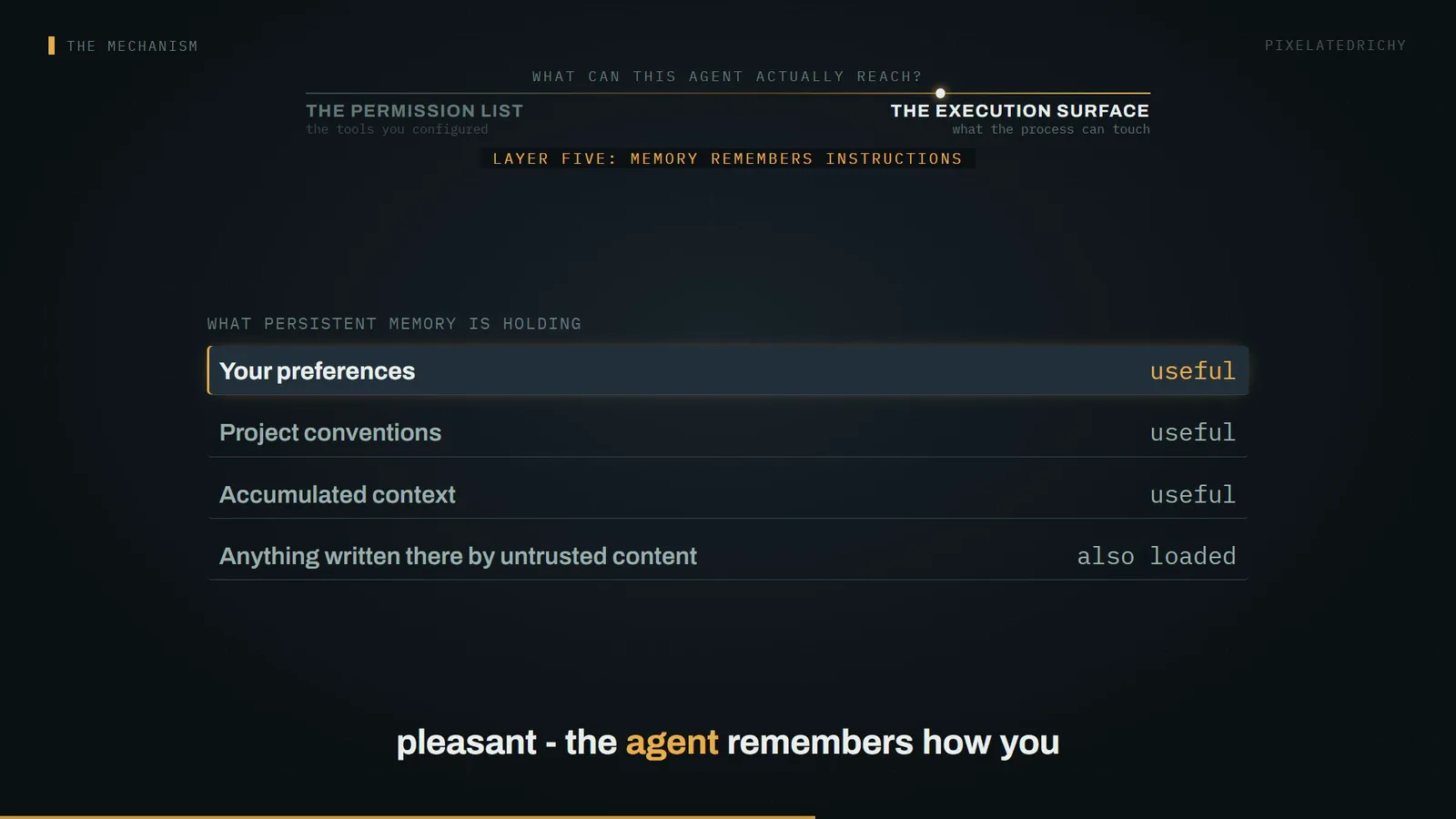
Layer five, and then the resolution. Persistent memory is the feature that makes these tools pleasant - the agent remembers how you like things done. Memory is also a file, and the model reads that file at the start of every session, and it cannot tell your notes from instructions someone else left there.
There is research on this. A July 2026 paper called "Bad Memory" tested exactly this shape and found that while it is difficult to get an agent to overwrite its own memory using untrusted external content, payloads already planted in those files can successfully attack current and future sessions. Which is the part that should bother you - it does not need to win twice.
That study tested Claude Code and OpenAI Codex - not the runtime we have been discussing.
I want to be careful, because this is the kind of claim that gets stretched. That study evaluated Claude Code and OpenAI's Codex. It did not test the runtime we have been discussing. I cite it because it is a property of agents that keep memory, not a finding about one product - and every runtime in this category keeps memory.
Back to the anomaly
So, back to the file that changed after you turned off write access.
The deny list did its job. It denied the write tool. But write and exec were never peers - they sit at different levels. The permission list operates on names of tools. Exec's reach is defined one layer down, by the filesystem its process can see and the identity that process holds.
You constrained the vocabulary, not the capability.
You constrained the vocabulary. You did not constrain the capability. Grant a shell and you have granted every effect that shell can produce, whatever the tools around it are called. That is not a flaw in the implementation - it is what a shell is. The mistake is reading a tool list as a capability list.
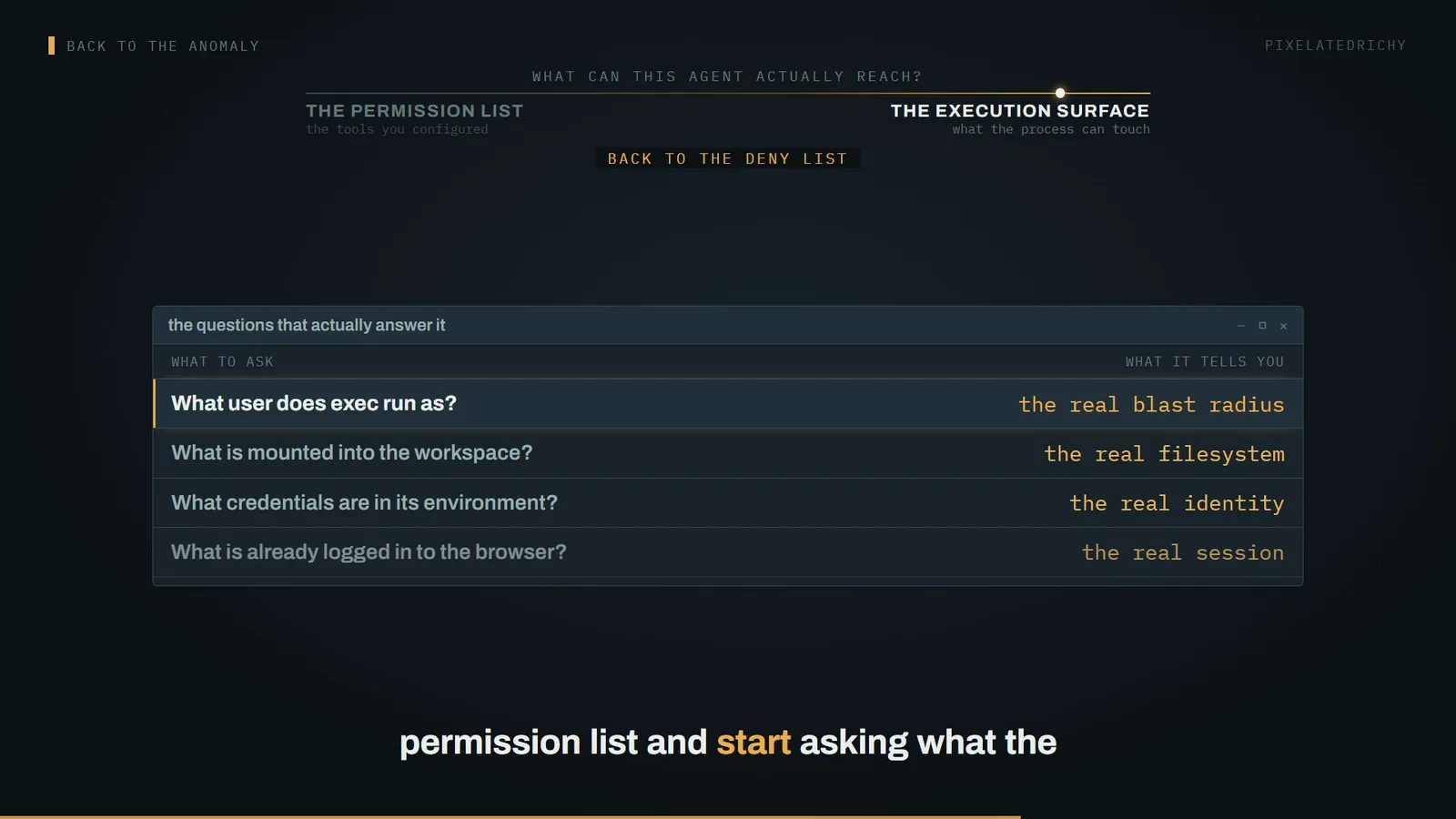
So the only honest way to answer "what can this agent reach" is to stop reading the permission list and start asking what the process can touch. What user it runs as. What is mounted. What credentials sit in its environment. What is already authenticated in the browser it drives.
Where else this applies
The generalisation is what makes this a systems story rather than a product story. Simon Willison named the pattern the lethal trifecta: access to private data, exposure to untrusted content, and the ability to communicate externally. Hold all three and you are exploitable, regardless of configuration.
An agent with shell access on your machine has leg one by definition. Browsing or reading documents gives it leg two. Leg three is almost impossible to remove - which is why that sandbox network default of none matters more than it first appears. It is one of the few settings that actually removes a leg.
'In web application security 95% is very much a failing grade.'
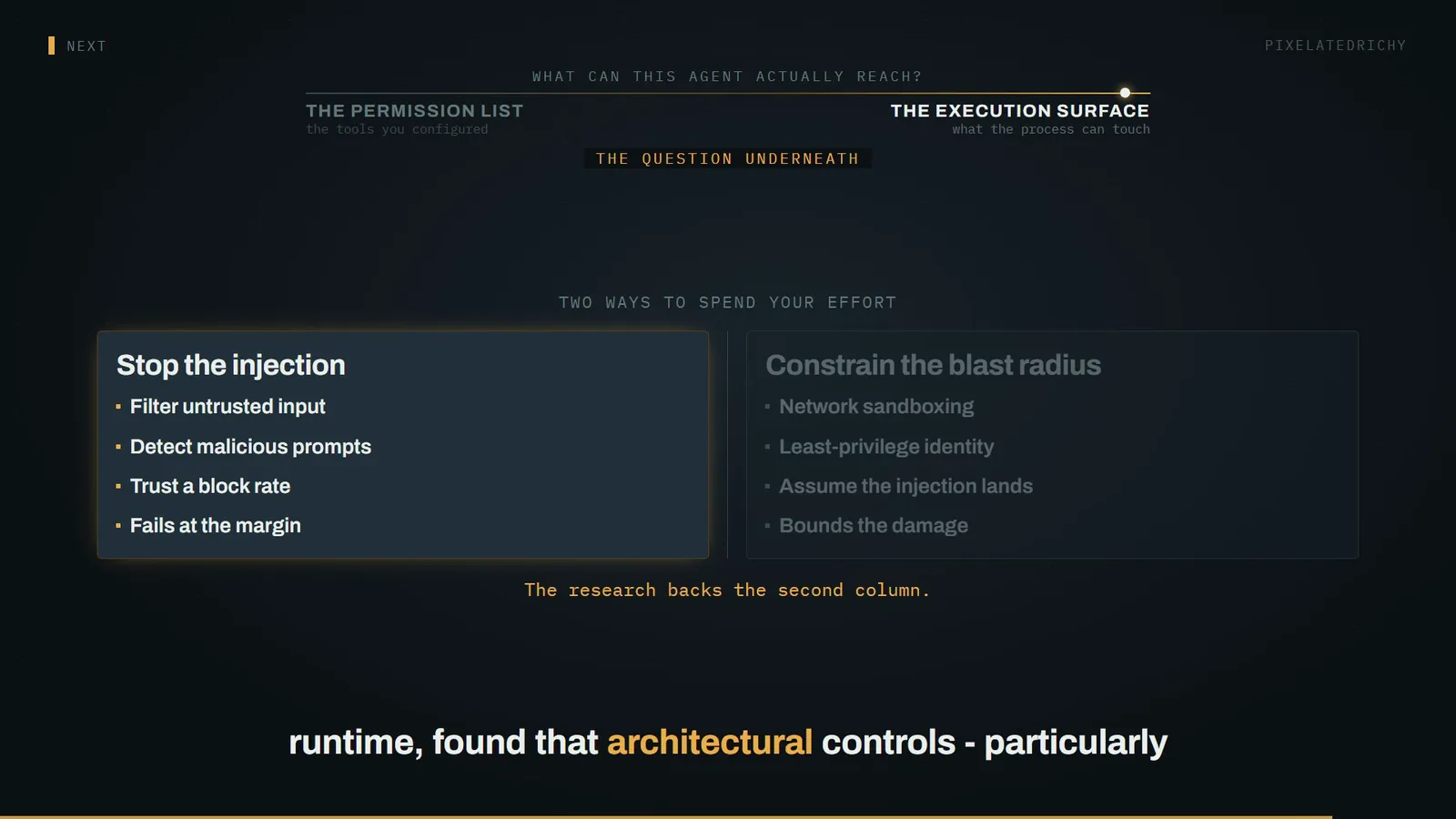
And this is why filtering is not the fix. A model cannot reliably separate instructions from data, because both arrive as the same tokens. On vendors advertising high block rates, Willison's line is the one to remember: in web application security, ninety-five percent is very much a failing grade. An attacker retries.
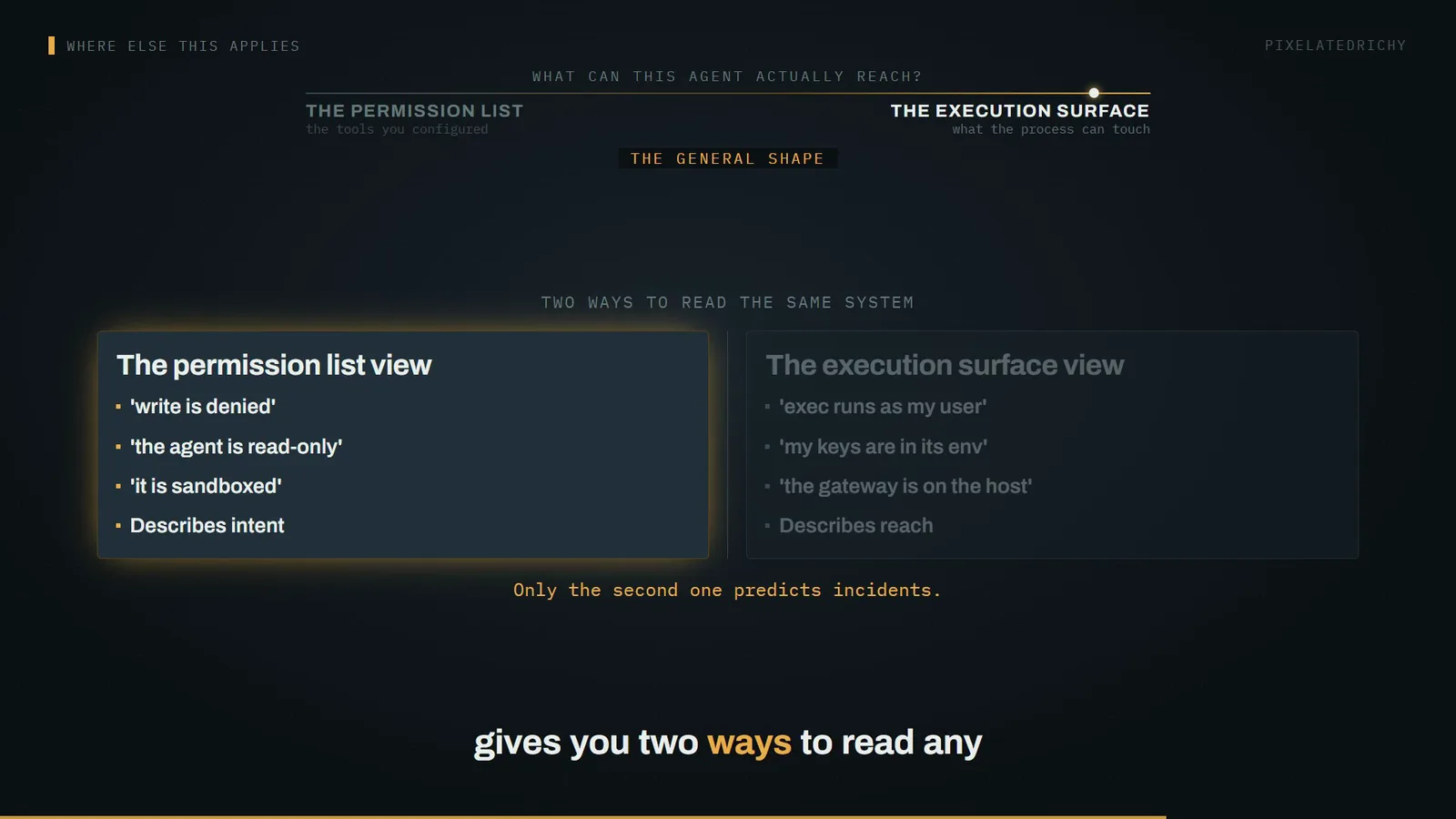
Which gives you two ways to read any agent setup. One describes intent. The other describes reach. Only the second has ever predicted an incident.
'A tools list without bash or write does not make an agent read-only in effect.'
And it is not one project's bug. Go looking through the issue trackers of other agent tools and you find the same shape filed over and over: a tool allowlist that does not survive contact with a shell. One report puts it more bluntly than I managed - a tools list without bash or write does not make an agent read-only in effect.
This is the industry's reading too. OWASP's Top 10 for Agentic Applications, the 2026 edition, has four categories that are the layers we just walked: tool misuse, identity and privilege abuse, unexpected code execution, and memory and context poisoning. Every one is the same confused-deputy problem - a component with more authority than the request deserves, acting on someone else's instructions. That is not new. It is sudo, and CI runners holding production credentials, and server-side request forgery, wearing a new interface.
What to look at next
So what identity should an agent run as?
Which leaves the question I think is actually load-bearing, and it is not about sandboxes. It is: what identity should an agent run as?
Because every real mitigation is a variation on that. The MATRA threat-modelling work, which includes a case study on this class of runtime, found that architectural controls - particularly network sandboxing and least-privilege access - substantially reduce risk by constraining what a successful injection can do. Note the framing. Not preventing the injection. Constraining the blast radius, assuming it lands.
So the practical version, and then I will leave you with the harder one. Turn the sandbox on - it is off by default and it is the single highest-leverage change. Deny the control-plane tools for anything touching untrusted content. Never mount the Docker socket. Keep the gateway bound to loopback.
Self-hosted was never a synonym for contained.
But the harder question is the one nobody has a clean answer to. We gave these processes our own credentials because it was convenient, and we have been calling the result self-hosted as though that meant contained. An agent that can act as you, on a machine that trusts you, is not a smaller version of the hosted product. It is a larger one. Worth asking of whatever you are running tonight: if the next document it reads contains instructions, what exactly does it already have permission to do about them?
Sources
- 'Disabling OpenClaw filesystem tools such as write, edit, or apply_patch does not make exec read-only.' Also: exec is 'a mutating shell surface'; default per-command timeout 1800s; 'Important: sandboxing is off by default'; with sandboxing off implicit host=auto resolves to gateway, while explicit host=sandbox fails closed.
- 'Sandboxing is off by default and controlled by agents.defaults.sandbox...'; 'The Gateway process always stays on the host; only tool execution moves into the sandbox when enabled'; 'This is not a perfect security boundary, but it materially limits filesystem and process access when the model does something dumb'; 'tools.elevated is an explicit escape hatch that runs exec outside the sandbox'.
- 'Do not mount the host Docker socket into agent sandbox containers or custom Codex sandboxes.' Sandbox containers default to network 'none' (no egress).
- Control-plane tools (gateway, cron) stay owner-only; for anything handling untrusted content the guidance is 'deny these by default: gateway, cron, sessions_spawn, sessions_send'. Approval is persistent per decision, not per call.
- CVE-2026-27002: 'A configuration injection issue in the Docker tool sandbox could allow dangerous Docker options (bind mounts, host networking, unconfined profiles) to be applied, enabling container escape or host data access.' CVSS v4.0 7.7 High. Affects openclaw below 2026.2.15; patched in 2026.2.15.
- The lethal trifecta: access to private data, exposure to untrusted content, and the ability to externally communicate. 'In web application security 95% is very much a failing grade.'
- OWASP Top 10 for Agentic Applications (2026 edition) includes ASI02 Tool Misuse, ASI03 Identity and Privilege Abuse, ASI05 Unexpected Code Execution and ASI06 Memory and Context Poisoning.
- 'Bad Memory': although it is difficult to make an agent overwrite its own memory files using untrusted external content, payloads already planted in those files can successfully attack current and future sessions.
- MATRA threat-models agentic systems and finds that architectural controls - particularly network sandboxing and least-privilege access restrictions - substantially mitigate risk by constraining the damage from a successful injection.
- Docker's daemon 'requires root privileges unless you opt-in to Rootless mode', and 'only trusted users should be allowed to control your Docker daemon'.
- Adoption scale of the runtime discussed, for context only: 390,424 stars, 82,141 forks, repository created 2025-11-24.